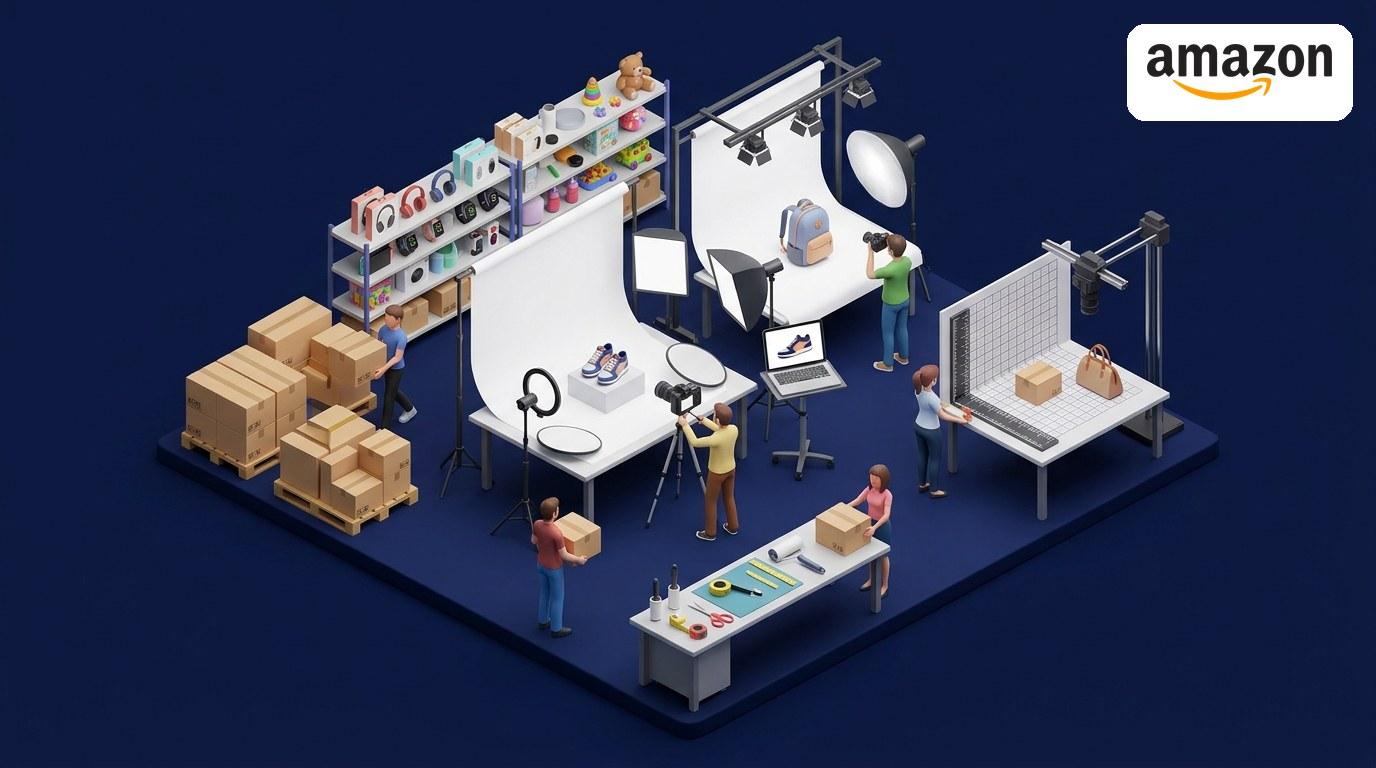
eBay listing image size comes down to two numbers: 500 pixels is the minimum eBay requires, and about 1600 x 1600 pixels is what eBay recommends. Every listing needs at least one photo that is 500 pixels or more on its longest side, and photos around 1600 pixels let buyers zoom in without the image going soft. Get those two numbers right and the rest is detail.
eBay listing image size: the spec table
| Spec | What eBay wants |
|---|---|
| Minimum size | 500 pixels on the longest side, at least one photo per listing |
| Recommended size | About 1600 x 1600 pixels, square (1:1) |
| Photos per listing | Up to 24, free |
| Max file size | 12 MB per photo |
| Accepted formats | JPEG, PNG, GIF, TIFF, BMP, WEBP, HEIC, AVIF |
| Aspect ratio | 1:1 square or 16:9 widescreen look best |
| Background | White or light background recommended, not required |
| Not allowed | Borders, added text, watermarks, marketing graphics |
Those figures come from eBay's picture policy and its photo guidance, checked against eBay Help in October 2026. eBay can change its rules, and some categories such as vehicles have extra requirements, so check eBay Help before a large upload.
Why 500 pixels is a floor, not a target
A photo at exactly 500 pixels will display, but it falls apart the moment a buyer tries to inspect it. Condition is what sells used items, and buyers zoom in on stitching, labels, and scratches before they bid. Below roughly 800 pixels on the longest side, zoom turns into a blur. Around 1600 pixels, zoom stays sharp, which is why eBay recommends that size even though it only requires 500.
The practical rule: export every listing photo at 1600 pixels on the longest side. Square 1600 x 1600 works for most items. For long or wide items such as furniture, guitars, or rugs, use 1600 x 900 (16:9) instead so the item fills the frame instead of floating in empty space.
How many photos should an eBay listing have?
eBay lets you add up to 24 photos per listing at no extra charge, and sellers who use more of those slots tend to sell through faster than sellers who post one to three photos. Aim for 8 to 12 on a typical listing, each with a job:
- Hero: the whole item, front on, clean background, fills the frame
- Angles: back and both sides, so nothing is hidden
- Detail: close-ups of material, stitching, labels, and the key feature
- Condition: honest photos of any wear, scratches, or flaws
- Scale: the item next to a familiar object or in a hand
- What is included: accessories, cables, box, manuals, everything in the sale
For used items, the condition photos are the ones that prevent returns.
File size and format: the worked example
A phone photo straight from the camera is often 4000 x 3000 pixels and 4 to 6 MB. Resize it to 1600 x 1600 and save as a JPEG at quality 80, and the same photo drops to roughly 200 to 400 KB, a 90 percent smaller file with no visible difference at listing size. Across 12 photos, that is the difference between uploading about 60 MB and about 4 MB.
Use JPEG for photos of real items. Use PNG only for graphics or screenshots, since PNG files run much larger for photographs. WEBP and HEIC are accepted, but eBay converts them to JPEG on its servers, so exporting JPEG yourself keeps the result predictable.
Rules that get listings flagged
eBay's picture policy bans added text, borders, artwork, marketing material, and watermarks on any listing photo. Keep the photo clean: no "FREE SHIPPING" banners, no logo overlays, no frames. Stock photos are allowed only for brand-new items. For used or damaged items you must photograph the actual item you are selling. If a listing gets flagged, eBay's rejection notice names the exact rule, and it is almost always one of the rows in the table above.
Quick answers
What is the minimum photo size for eBay? At least one photo per listing must be 500 pixels or more on its longest side. That is the rule in eBay's picture policy, and anything smaller does not meet it.
What size should eBay photos be? About 1600 x 1600 pixels. That is eBay's recommendation, and it is the size where zoom stays sharp for buyers checking condition.
How many photos can you add to an eBay listing? Up to 24 photos per listing, free. Use 8 to 12 for a typical item: hero, angles, detail, condition, scale, and what is included.
Why do my eBay photos look blurry? Usually the original was too small. Photos under 800 pixels on the longest side pixelate when buyers zoom. Re-export at 1600 pixels on the longest side and re-upload.
Resize your eBay photos in minutes
Export at 1600 x 1600, save as JPEG, keep each file well under the 12 MB limit, and your photos will look sharp in search and under zoom. Our free image optimizer does the resize and compression right in your browser, no signup and no uploads to a server. Drop in your listing photos, set the output to 1600 x 1600, and download upload-ready files for every listing in the batch.
eBay's photo rules were last verified against eBay Help in October 2026. Marketplace rules change, so confirm the current requirements in eBay's picture policy before a large upload.