SellerKitTools
Menu
Image Tools

Sublimation Image Size Guide (2026): Dimensions for Mugs, Shirts, and More

By SellerKitTools Team · October 16, 2026 · 6 min read

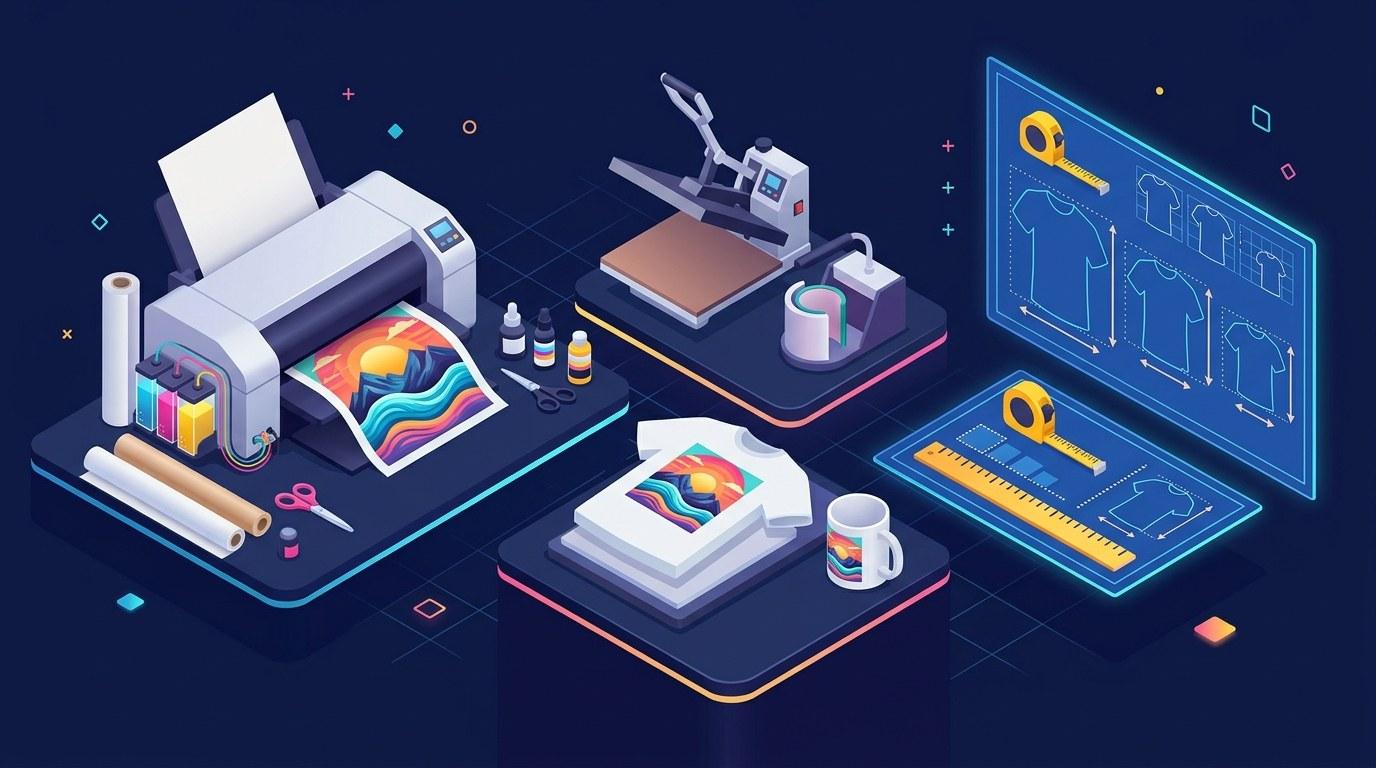
Sublimation Image Size Guide (2026): Dimensions for Mugs, Shirts, and More illustration

Getting the sublimation image size right comes down to one thing: the blank you are pressing. An 11 oz mug, a 20 oz skinny tumbler, and a t-shirt each take a different print size, but the resolution rule never changes: design at 300 DPI, mirror the image before printing, and size the artwork to the blank's printable area. The table below covers the most popular blanks with both the print size in inches and the exact pixel dimensions at 300 DPI.

Sublimation image size cheat sheet: the table

BlankPrint area (inches)Pixel size at 300 DPI
11 oz mug, full wrap8.5 x 3.52550 x 1050 px
20 oz skinny tumbler, full wrap9.3 x 8.22790 x 2460 px
Adult t-shirt front8.5 x 112550 x 3300 px
Infant and toddler shirt3.5 x 51050 x 1500 px

These are the typical sizes used across sublimation suppliers, but blank dimensions do vary between brands. Measure the printable area of your own blank and adjust before you print. A quarter-inch mismatch on a mug wrap shows up as a visible gap at the seam.

The 300 DPI rule (and the mistake most beginners make)

DPI stands for dots per inch, and it controls how much detail survives the transfer. At 300 DPI, a full mug wrap holds 2550 x 1050 pixels of real detail. The most common beginner mistake is taking a small image found online at 72 DPI (screen resolution) and stretching it up to print size. Upscaling does not add detail: the file gets bigger, but the printed result comes out soft and pixelated.

The math is simple: pixels = inches x DPI. So an 8.5-inch-wide design at 300 DPI needs to be 2550 pixels wide as created, not resized from something smaller. Always build or buy your artwork at the target pixel size from the start.

Worked examples: sizing for real blanks

11 oz mug: The printable wrap on most 11 oz ceramic mugs is about 8.5 inches wide by 3.5 inches tall. Multiply each side by 300 DPI to get 2550 x 1050 pixels. Set up your design file at exactly that size, mirror it, and print at actual size.

20 oz skinny tumbler: A straight 20 oz skinny tumbler takes a full wrap of roughly 9.3 x 8.2 inches, which is 2790 x 2460 pixels at 300 DPI. This is why many tumbler wraps are sold as square-ish designs around 2800 x 2450 pixels. Tapered tumblers need a slightly different layout, so buy the tapered template if your blank narrows at the bottom.

Adult t-shirt: A standard front print of 8.5 x 11 inches works out to 2550 x 3300 pixels at 300 DPI. Keep the design centered and leave at least 2 to 3 inches of clearance above the design to the collar. If you are pressing a pocket-size design, drop to around 3 inches wide (900 px at 300 DPI).

The file format that keeps your print sharp

  • Use PNG with a transparent background. PNG preserves crisp edges and lets you layer the design on the blank without a white box showing.
  • Mirror the image before printing. Sublimation prints face-down, so anything not mirrored presses in reverse. This is the number one beginner mistake, especially with text designs.
  • Work in RGB, not CMYK. Sublimation printers translate RGB color data, and converting to CMYK first shifts your colors.
  • Design on polyester or coated blanks only. Sublimation ink bonds with polyester fibers and polymer coatings. It will not stick to plain cotton or uncoated dark shirts, no matter how perfect the image size is.

Resize your artwork before you print

If your artwork came from a digital download, a photo, or a design app, it probably is not at print dimensions yet. A web image at 72 DPI needs to be resized to the exact print size at 300 DPI before it goes on sublimation paper, or your press will waste an expensive blank. Our free image resizer changes your image to the exact pixel dimensions you need, so your mug wrap, tumbler design, or shirt graphic prints at the size you planned.

Questions sellers ask about sublimation image size

What size image do I need for an 11 oz sublimation mug? Most 11 oz mugs take a full wrap of about 8.5 x 3.5 inches, which is 2550 x 1050 pixels at 300 DPI. Check your specific blank, since some brands are slightly narrower.

Do I really need to mirror my design? Yes, always. The paper goes face-down on the blank, so the printed image transfers in reverse. Text and logos come out backwards if you skip this step.

Can I use a photo straight from my phone? Phone photos usually work for smaller prints if they are high resolution, but most photos are saved at 72 DPI. Resize to print dimensions at 300 DPI first, and avoid heavily zoomed or cropped photos, since zooming throws away pixels.

Why do my prints look blurry even at 300 DPI? Usually one of three causes: the source image was upscaled from something smaller, the print settings dropped the quality below high, or the paper shifted during pressing. Fix the file first, then check the press.

Blank dimensions vary by supplier, so measure the printable area of your own mugs, tumblers, and shirts before committing to a final print size. Check your supplier's size guide for the current specs on any new blank.


Keep reading

eBay Listing Image Size (2026): Photos That Get Clicks illustration
Image Tools

eBay Listing Image Size (2026): Photos That Get Clicks

eBay listing image size is simple once you know the two numbers that matter: 500 pixels is the minimum eBay requires and about 1600 x 1600 pixels is what eBay recommends for sharp, zoomable photos.

Nov 15, 2026 · 7 min read

Amazon A+ Content Image Sizes (2026): The Main Module Specs in One Table illustration
Image Tools

Amazon A+ Content Image Sizes (2026): The Main Module Specs in One Table

The Amazon A+ Content image size for the main Standard and Premium modules in one table, plus the file rules and rejection traps that catch first time builders.

Nov 1, 2026 · 7 min read

How to Remove Backgrounds from Product Photos (2026): Free Methods That Look Pro illustration
Image Tools

How to Remove Backgrounds from Product Photos (2026): Free Methods That Look Pro

To remove background from product photo files like a pro, shoot for clean edges, use a free AI remover for the first cut, then fix the edges and export pure white for Amazon or a transparent PNG for everything else.

Oct 28, 2026 · 6 min read

White Background Product Photography DIY (2026): Amazon-Ready Images at Home illustration
Image Tools

White Background Product Photography DIY (2026): Amazon-Ready Images at Home

White background product photography made simple: the exact Amazon main image specs, a DIY setup under $25, and the six-step phone shoot that gets your listing approved.

Oct 26, 2026 · 6 min read

WebP Images for Shopify: Faster Loads Without Quality Loss (2026) illustration
Image Tools

WebP Images for Shopify: Faster Loads Without Quality Loss (2026)

WebP images for Shopify load faster without visible quality loss: how Shopify's automatic WebP conversion works, the sizes to upload, and a worked example of the savings.

Oct 25, 2026 · 6 min read

How to Photograph Products at Home (2026): A Beginner Setup Under $50 illustration
Image Tools

How to Photograph Products at Home (2026): A Beginner Setup Under $50

How to photograph products at home with a phone, a window, and a $47 gear list: lighting setup, camera settings, the six angles that sell, and the mistakes to avoid.

Oct 22, 2026 · 7 min read

PNG vs JPG for Product Photos: Which Should Sellers Use? illustration
Image Tools

PNG vs JPG for Product Photos: Which Should Sellers Use?

PNG vs JPG for product photos, answered for sellers: use JPG for every listing photograph and reserve PNG for transparent cutouts, text graphics, and editing masters, with file-size math and WebP guidance for 2026.

Oct 19, 2026 · 6 min read

T-Shirt Design Size Guide (2026): Print Dimensions and Placement illustration
Image Tools

T-Shirt Design Size Guide (2026): Print Dimensions and Placement

The correct t-shirt design size for print-on-demand: 4500 x 5400 pixels at 300 DPI, plus placement dimensions for full front, left chest, back, and sleeve prints.

Oct 13, 2026 · 6 min read

Shopify Product Image Size Guide (2026): Dimensions for Fast, Sharp Storefronts illustration
Image Tools

Shopify Product Image Size Guide (2026): Dimensions for Fast, Sharp Storefronts

The right Shopify product image size in 2026: use 2048 x 2048 pixels as your working size, keep files under 200 KB after compression, and stay consistent with a square aspect ratio for grids that line up.

Oct 9, 2026 · 6 min read

Print on Demand Image Size Guide (2026): DPI, Dimensions, and File Setup illustration
Image Tools

Print on Demand Image Size Guide (2026): DPI, Dimensions, and File Setup

The right print on demand image size for every product: 4500 x 5400 px at 300 DPI for apparel, plus a per-product spec table, format rules, and the DPI mistakes that ruin prints.

Oct 4, 2026 · 7 min read

Etsy Image Size Guide (2026): Exact Dimensions for Listings That Rank and Sell illustration
Image Tools

Etsy Image Size Guide (2026): Exact Dimensions for Listings That Rank and Sell

The exact Etsy image sizes to use in 2026, why 2000px on the longest side matters for zoom, and how to prep listing photos that turn browsers into buyers.

Oct 3, 2026 · 6 min read

How to Compress Images for Your Online Store Without Losing Quality illustration
Image Tools

How to Compress Images for Your Online Store Without Losing Quality

Large product photos slow your store and bloat your listings. How to shrink them by 70 percent or more with zero visible difference, for Etsy, Amazon, and Shopify.

Sep 27, 2026 · 5 min read

Amazon Product Image Requirements (2026): Size, Background, and Compliance Rules illustration
Image Tools

Amazon Product Image Requirements (2026): Size, Background, and Compliance Rules

Amazon product image size, dimensions, and specifications in one checklist: 1000px minimum, 2000px recommended, pure white background, 85% frame fill, and the rejection reasons that block listings.

Sep 22, 2026 · 7 min read