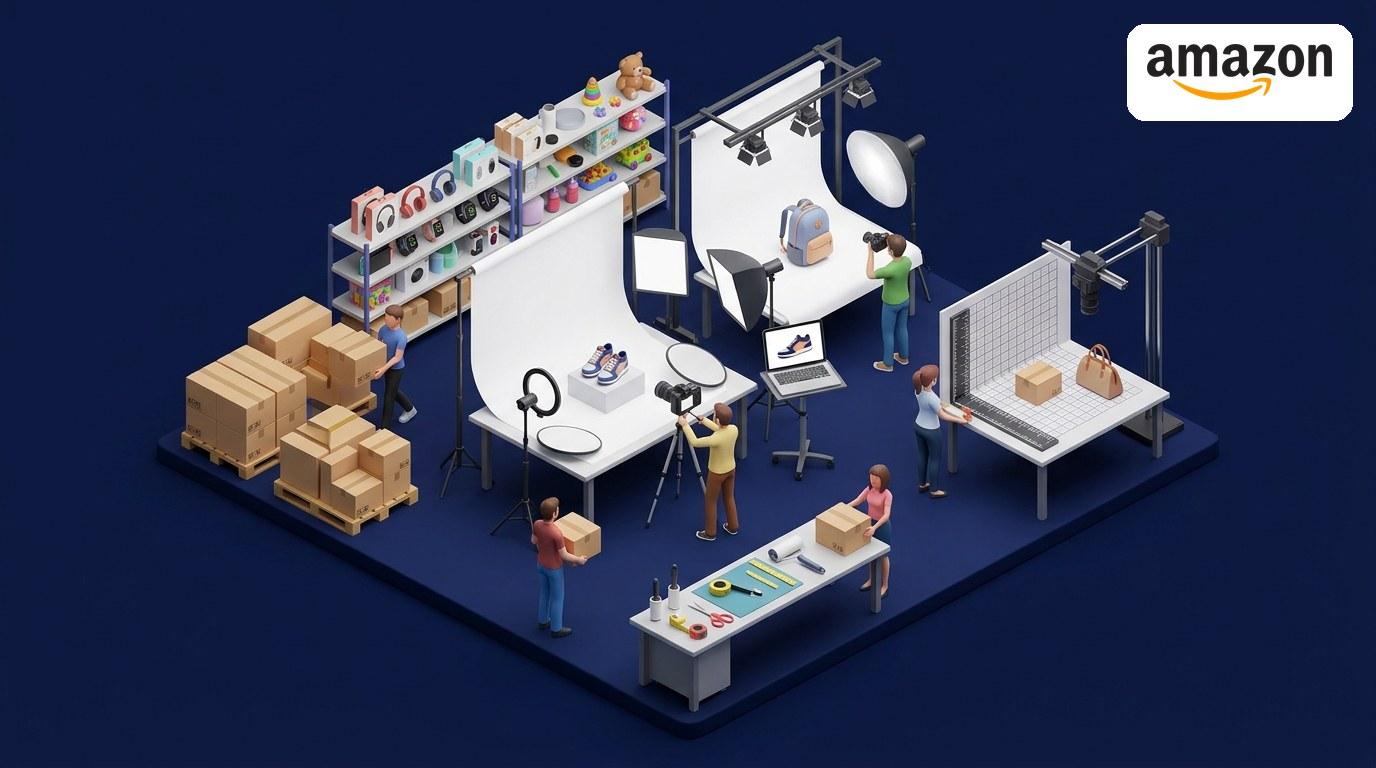
Learning how to photograph products at home is the cheapest upgrade a seller can make. A professional product shoot costs $50 to $350 per image, but the setup below totals about $47, uses the phone you already own, and produces photos sharp enough for Etsy, Amazon, and Shopify. Here is exactly what to buy and how to shoot with it.
The $47 home setup: what to buy
- Phone tripod with Bluetooth remote (~$20): the single most impactful purchase. A steady phone means sharper photos, consistent framing across every listing, and a 3-second timer that eliminates hand shake entirely.
- Two white foam boards (~$10): one becomes your reflector to fill in shadows; the other works as a seamless backdrop for small items or a second bounce card.
- White paper roll (~$15): tape it to the wall and let it curve gently onto the table to create an invisible "sweep" background with no horizon line.
- Your smartphone and a window ($0): any phone from the last few years with a 12-megapixel camera is enough. North-facing windows give the most consistent indirect light all day.
Total: about $45 to $47. If you already have a tripod, you are under $30. Prices are approximate retail; the list matters more than the exact total.
How to photograph products with window light
Lighting matters more than the camera. A phone in great light beats a DSLR in bad light every time, so set the light up before touching camera settings.
- Place the product 2 to 4 feet from a window. Position it so the light comes from one side at roughly 45 degrees, not from overhead and not from directly behind you. Closer to the window means softer, more even light; further away means more contrast.
- Turn off every indoor light. Mixed light sources (daylight plus warm overheads) create color casts that are hard to fix. One light source, one color temperature.
- Bounce light into the shadows. Stand a white foam board on the opposite side of the product from the window, 6 to 12 inches away, angled toward the window. It bounces light back into the dark side and softens shadows instantly. Closer means stronger fill.
- Diffuse harsh direct sun. If the sun is shining straight through the window, hang a sheer curtain, white bedsheet, or parchment paper between the window and the product. Overcast days are actually ideal: clouds are a giant free diffuser.
Phone camera settings that actually matter
- Clean the lens with a soft cloth before every shoot. A smudged lens is the most common reason for hazy product photos.
- Shoot at maximum resolution (12MP minimum) so you can crop without losing quality. Turn on grid lines for straight framing.
- Tap to focus on the product, then lock exposure. On most phones you can long-press to lock both. Without locking, the camera re-adjusts between shots and your listings look inconsistent.
- Use a 3 to 5 second timer with the phone on the tripod, so pressing the shutter never shakes the camera.
- No flash, no zoom. The built-in flash creates harsh hot spots on glossy products, and digital zoom just crops the image. Move the phone closer instead.
Shoot the six angles that sell
Buyers cannot touch your product, so the photos do that job. Shoot the same set every time: 1) straight-on hero shot with the product centered and breathing room around it, 2) 45-degree angle for dimension, 3) side profile, 4) top-down flat lay, 5) close-up detail of texture, stitching, or materials, and 6) one lifestyle shot of the product in use with a scale reference like a coin or a hand. Etsy's zoom feature works best on photos at least 2000px on the longest side, so start from the highest-resolution original.
Mistakes to avoid
Shooting under overhead room lighting causes greenish or yellow casts and hard shadows. Busy backgrounds fight the product for attention; if the foam-board sweep feels too plain, use a single muted fabric that matches your brand. Only shooting one angle wastes free selling space and leaves buyers guessing about size and details. Skipping product prep, wipe dust and fingerprints before shooting, because every flaw is visible at 2000px.
Resize every photo for its marketplace
Once you have your shots, size them for where they will sell. Drop them into our free Etsy image resizer, pick the 2000px preset, and download every photo at exactly the right size in seconds. It processes up to 20 images at once right in your browser, so your originals never leave your device.
Shoot once with the $47 setup, resize once before uploading, and every product you publish starts with professional-looking photos.